720 Toolkit
Find ASICs on your local network and manage supported installations from Windows.
Mining under control
Find your ASICs, see what is slowing them down, and check which firmware fits your hardware.
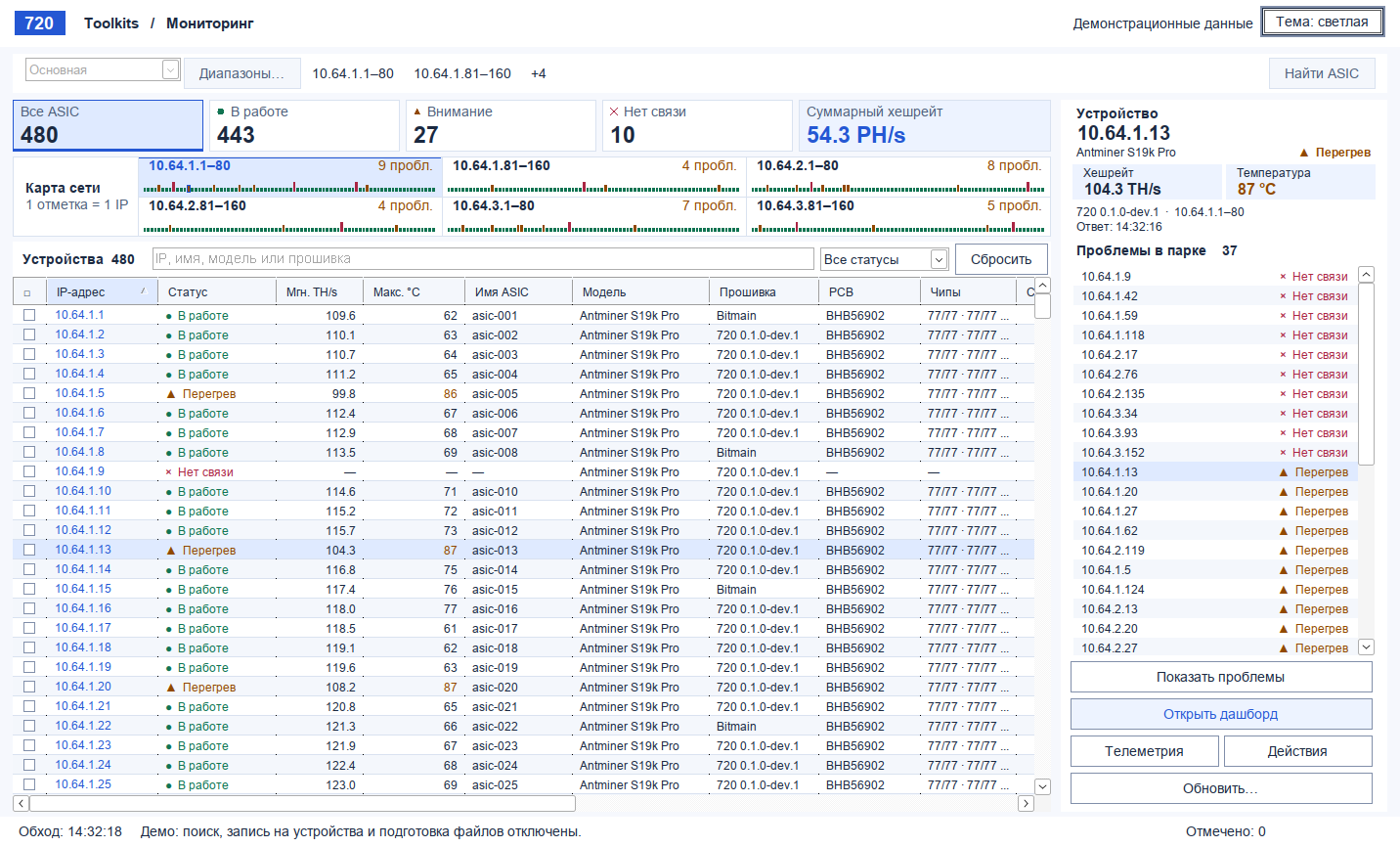
Find ASICs on your local network and manage supported installations from Windows.
A firmware branch for Antminer S19k Pro with the AM3-AML controller and NAND storage.
See hashrate, temperatures and device availability in one dashboard.
Stock firmware is a good starting point. A different firmware can give you more room to tune an ASIC to the power and cooling you actually have. Before you switch, decide what you want to improve and how you’ll measure it.
Compare joules per terahash (J/TH): divide the power measured at the wall by the hashrate in TH/s. Lower is better. Some firmware can adjust voltage and frequency to use the available power more efficiently.
A higher hashrate can mean more power and more heat. When a circuit or cooling system is already near its limit, a lower-power profile may be the better choice. Check temperature, rejected shares and stability, not just peak hashrate.
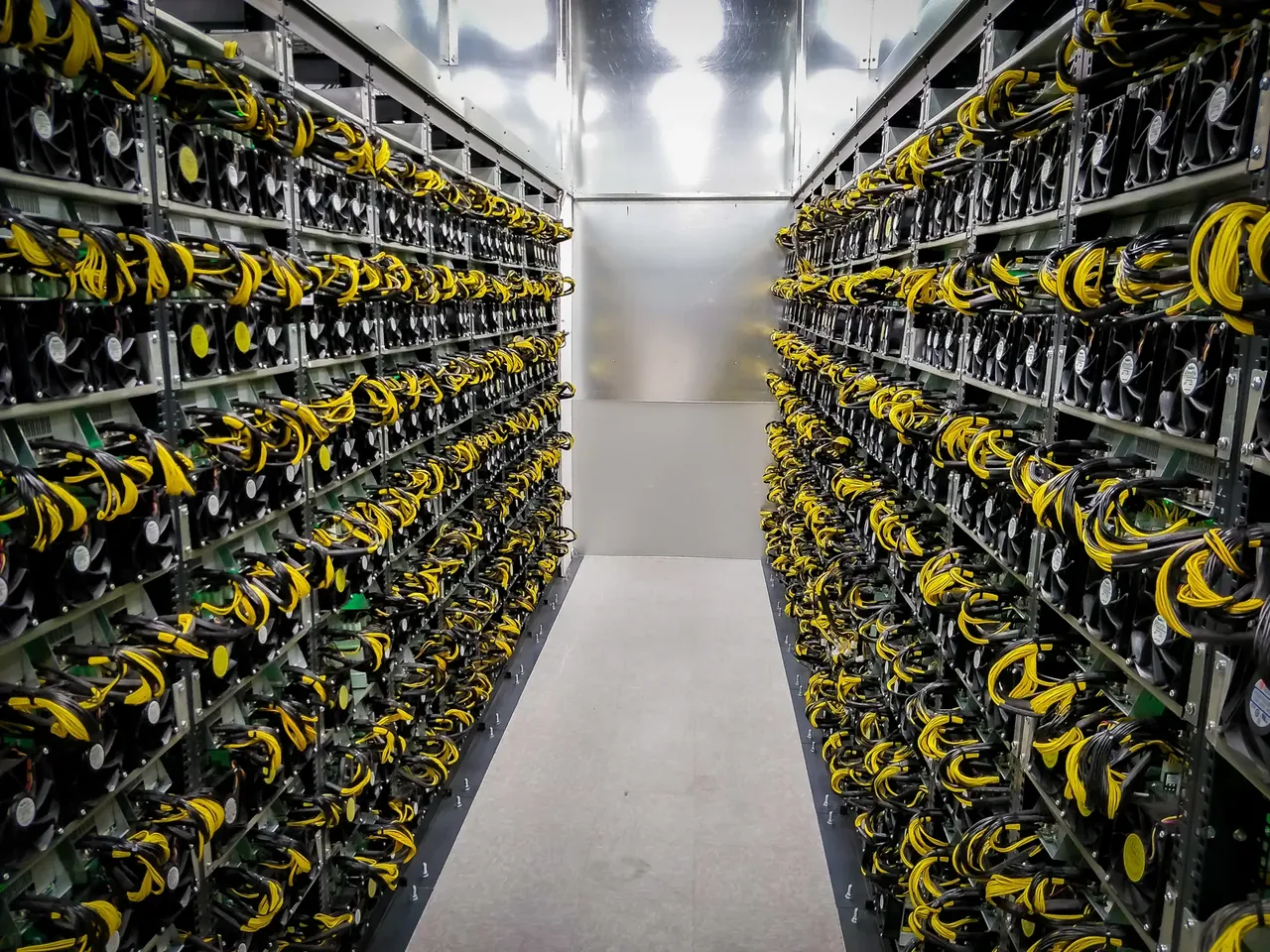
Antminer S19k Pro with the AM3-AML controller and NAND storage only. Based on VNISH 1.2.6. Pilot builds are not available for download on this site.
Read the pilot guideSee which devices are down or running hot, then check the miner’s hashrate, sensors, fans, hashboards and pools. The demo uses sample data you can explore without connecting a miner.
Available readings depend on the model and firmware. A missing reading isn’t shown as zero.
Explore Fleet demo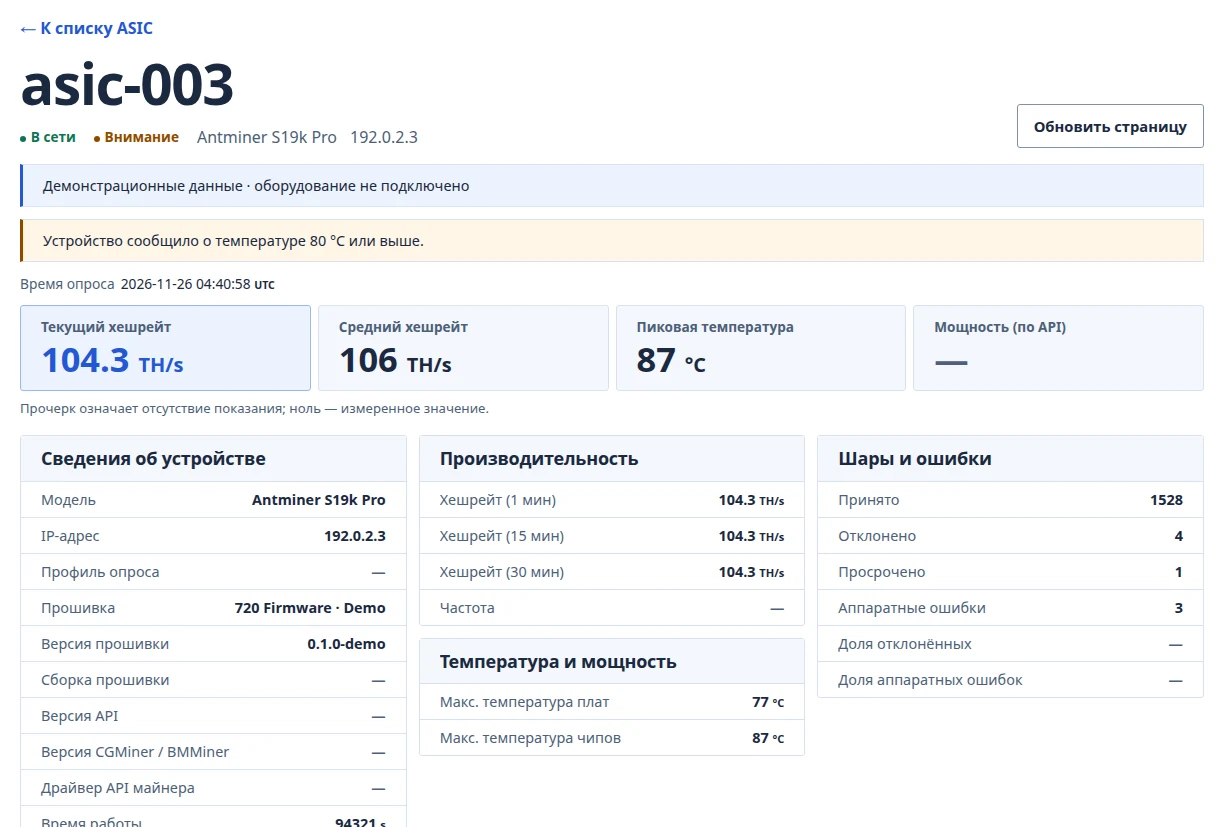
Record steady-state hashrate, power at the wall, temperature and rejected shares so you have a baseline.
Confirm the controller and boot storage as well as the model. Keep a copy of your settings and know how to restore stock before changing firmware.
Allow the miner to settle. Compare J/TH, errors and uptime at similar temperatures and loads before changing the rest of the fleet.
No. Start with Toolkit on your local network. It can read the data exposed by supported stock firmware without changing the device.
Models and firmware versions expose different sensors and counters. If the firmware doesn’t provide a reading, Fleet can show that it’s unavailable, not infer a value.
Download Toolkit for Windows, or open the Fleet demo in your browser.
